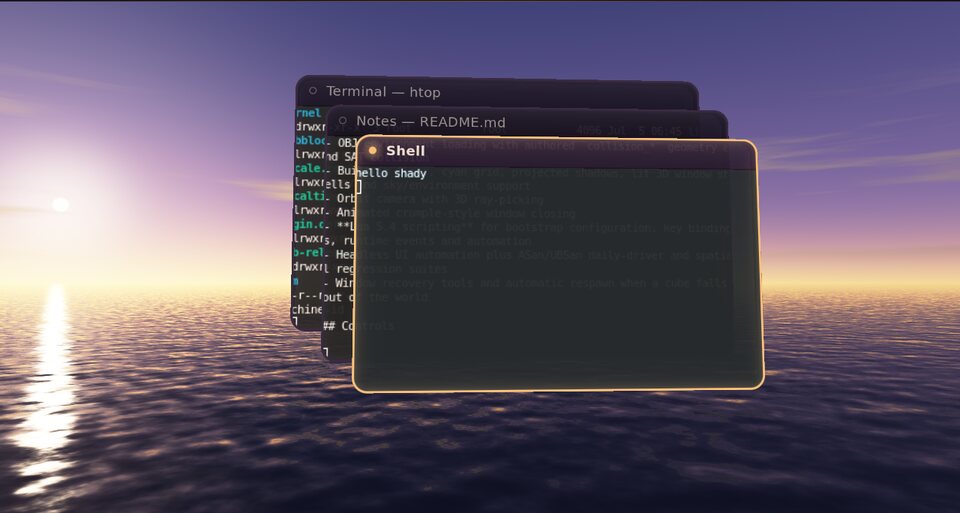
- Golden hour
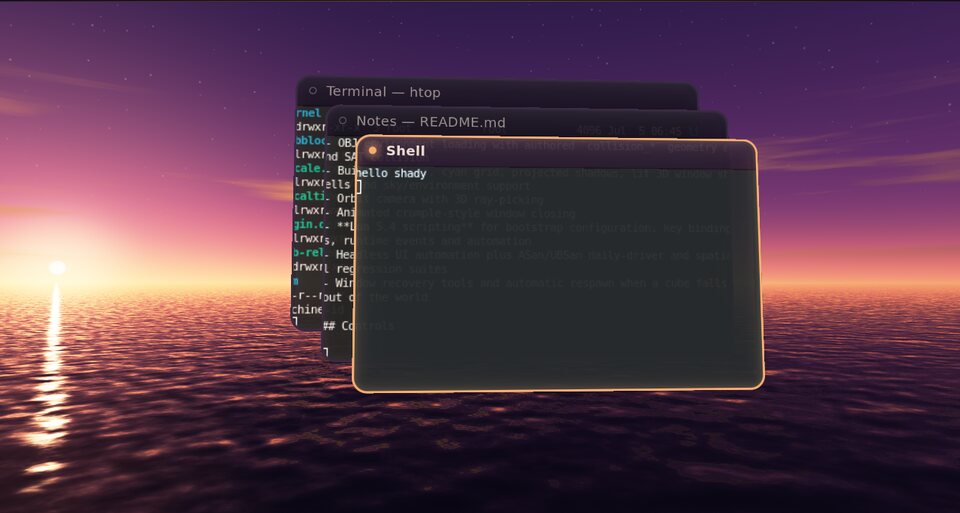
- Afterglow
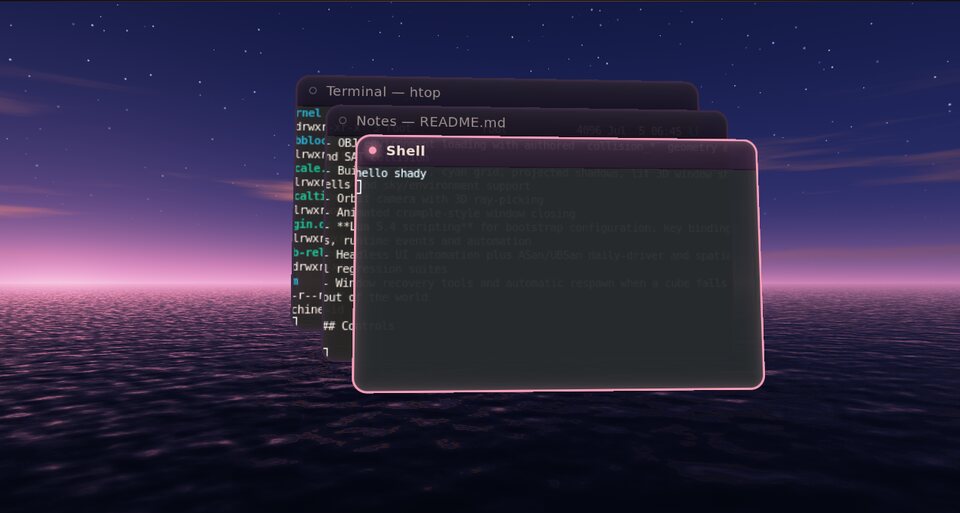
- Blue hour
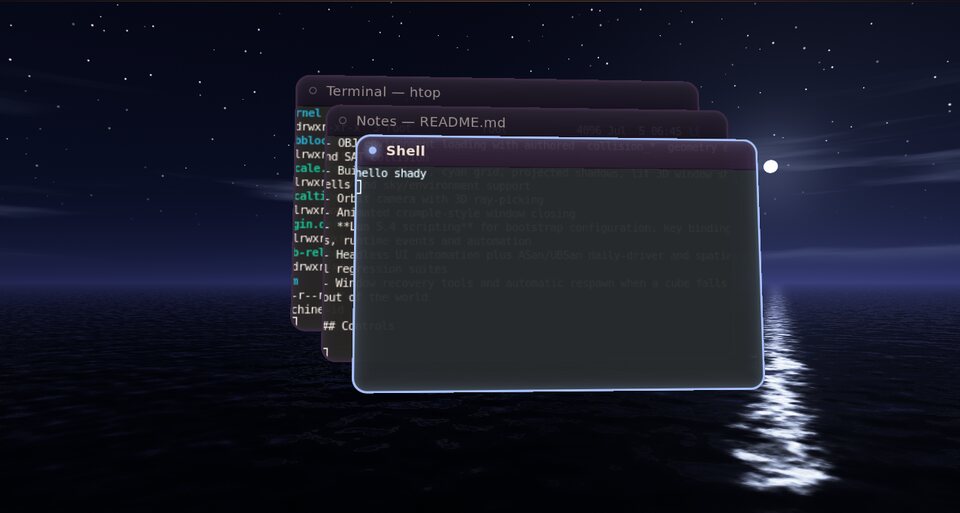
- Night
Four hours
One light, everywhere.
Each hour cross-fades over 2.4 seconds. The plugin also pushes the new accent into the compositor, so focus borders, title-bar pips and the floor follow the sky they sit under.
Run it
Watch the sun go down.
The launcher starts the themed shell and a terminal. PressSuper + T to change the hour.
nix develop
./tools/build.sh
./rices/afterglow/run.sh

# On a real Linux VT
./rices/afterglow/run-native.sh

# Start at another hour
SHADY_AFTERGLOW_PHASE="blue hour" ./rices/afterglow/run.sh
Controls
Under your fingers.
Every binding lives in the rice's Lua runtime layer or its plugin, so you can rebind any of them.
| Shortcut | Action |
|---|---|
| Super + T | Drift to the next hour of light |
| Super + Shift + T | Drift back to the previous hour |
| Super + O | Native 3D overview of every window |
| Super + Tab | Focus the next window |
| Super + Q | Close — the window sinks into the sea |
| Super + 1–3 | Workspaces shore, studio and harbor |
| Super + F | First-person mode above the water |
| Super + D | Launcher |
A sky with real depth
Each pixel traces a world-space ray from the camera the host gives render hooks. The horizon, sun and moon stay fixed while you orbit, and the sea mirrors them through rippled, Fresnel-weighted water.
Shared palette
Hour changes update the compositor's accent config, and the shell reads the same palette from theme.sh, so frames, pips and panels all match the sky.
Idle stays idle
The sky only advances while frames are already being drawn, so a still desktop renders nothing. Every hour change runs in the headless sanitizer suite.
Build your own evening.
Afterglow is about 350 lines of C plus one fragment shader. Start from it, or from the plugin API.